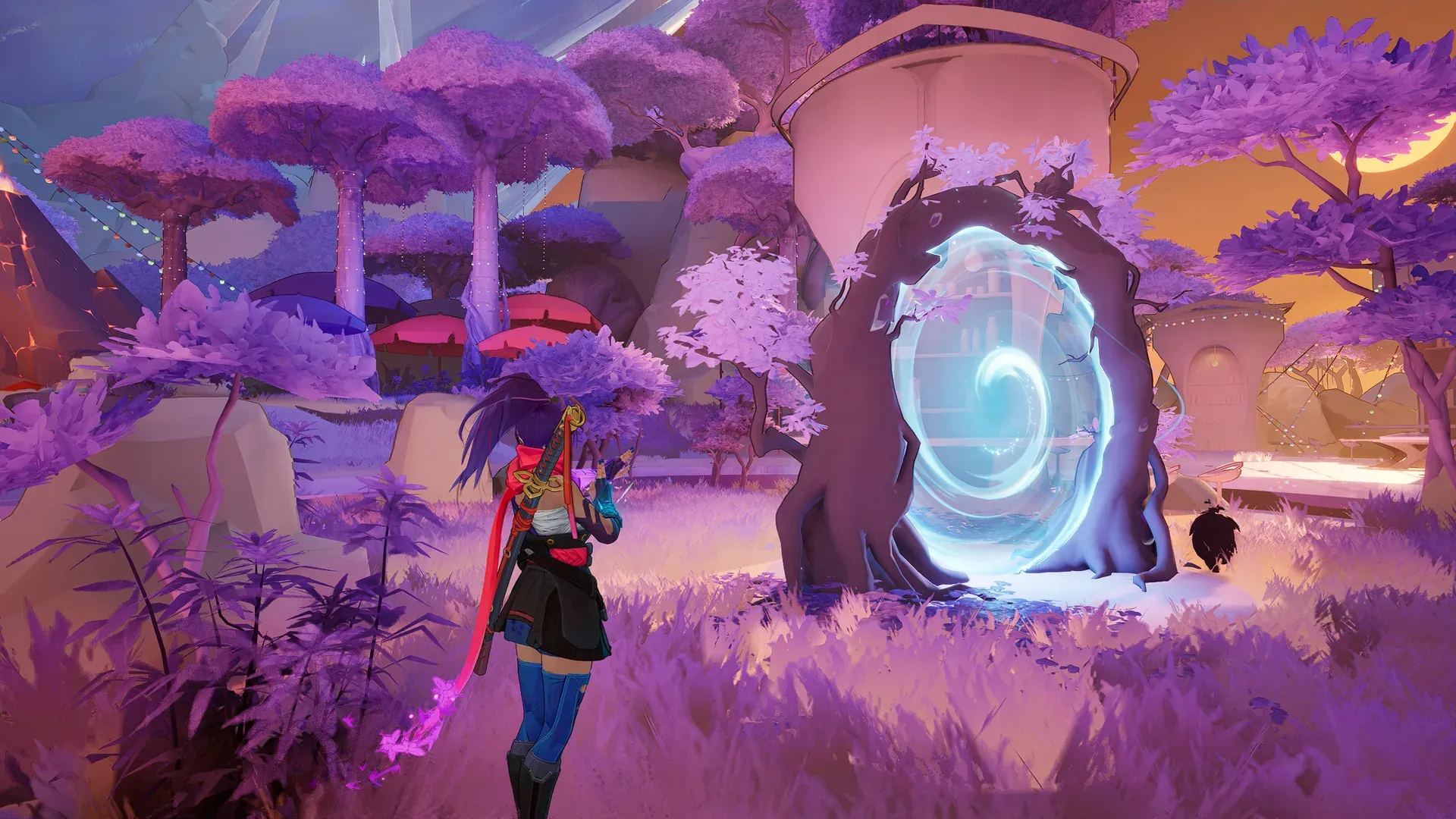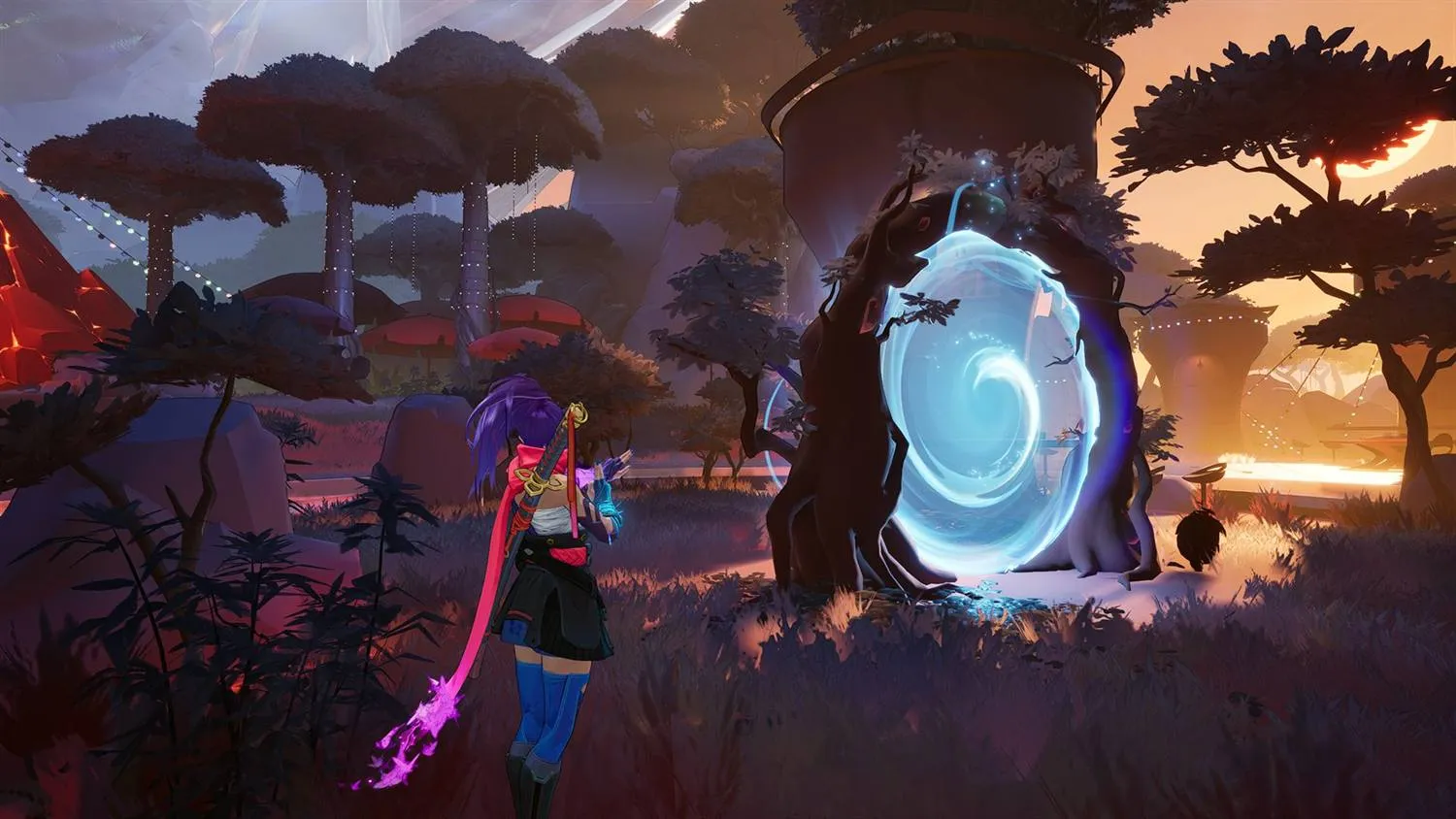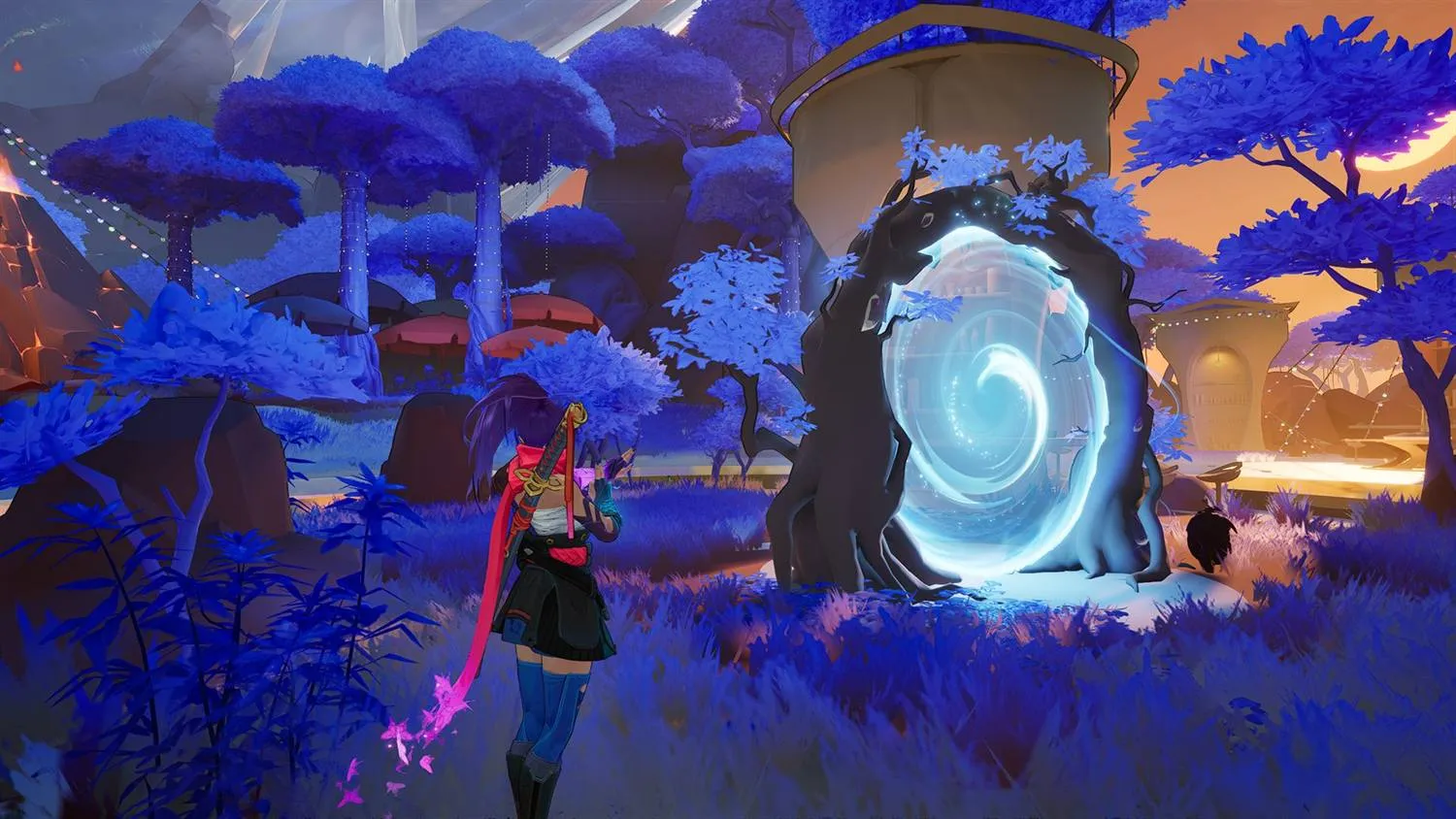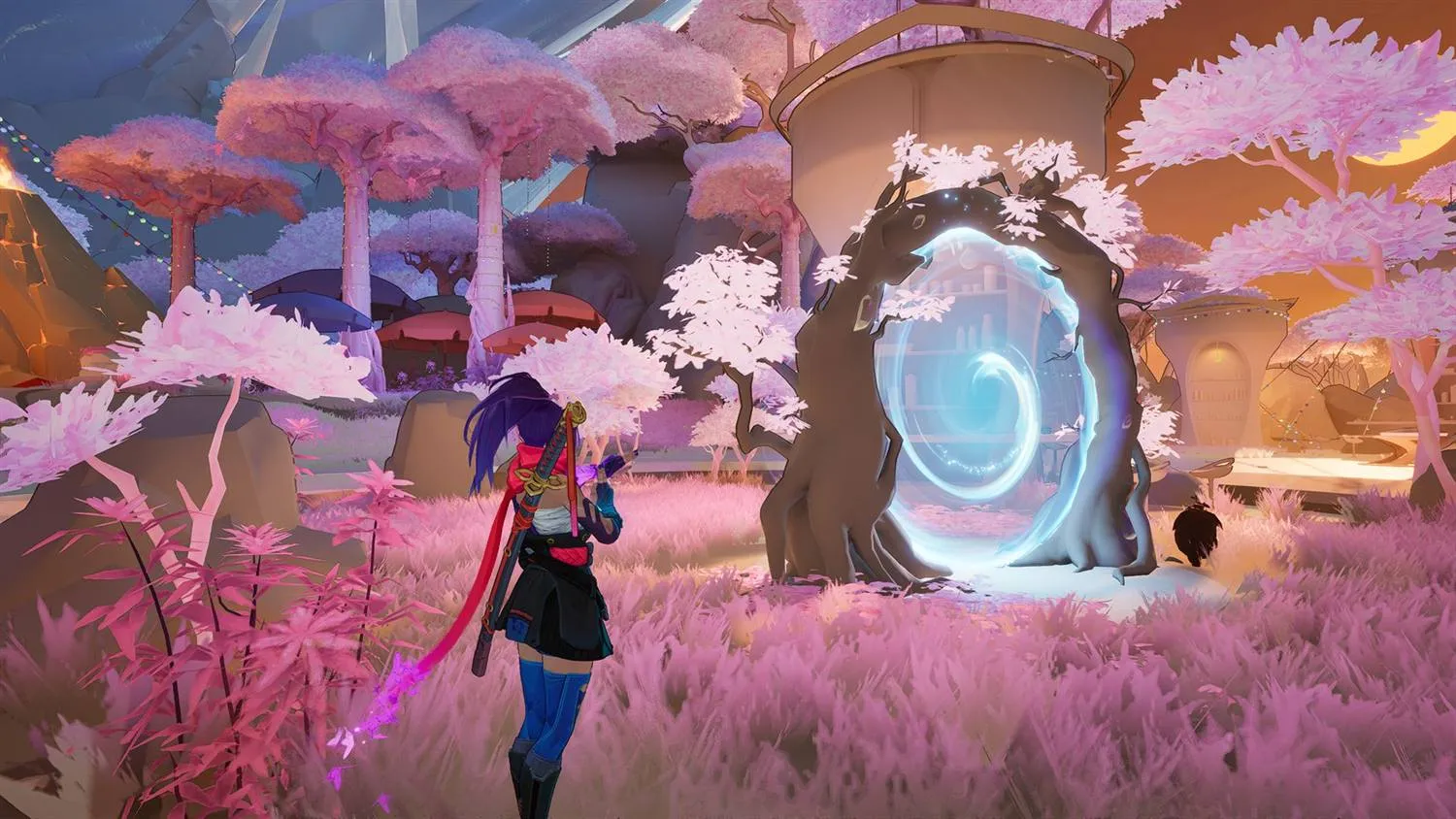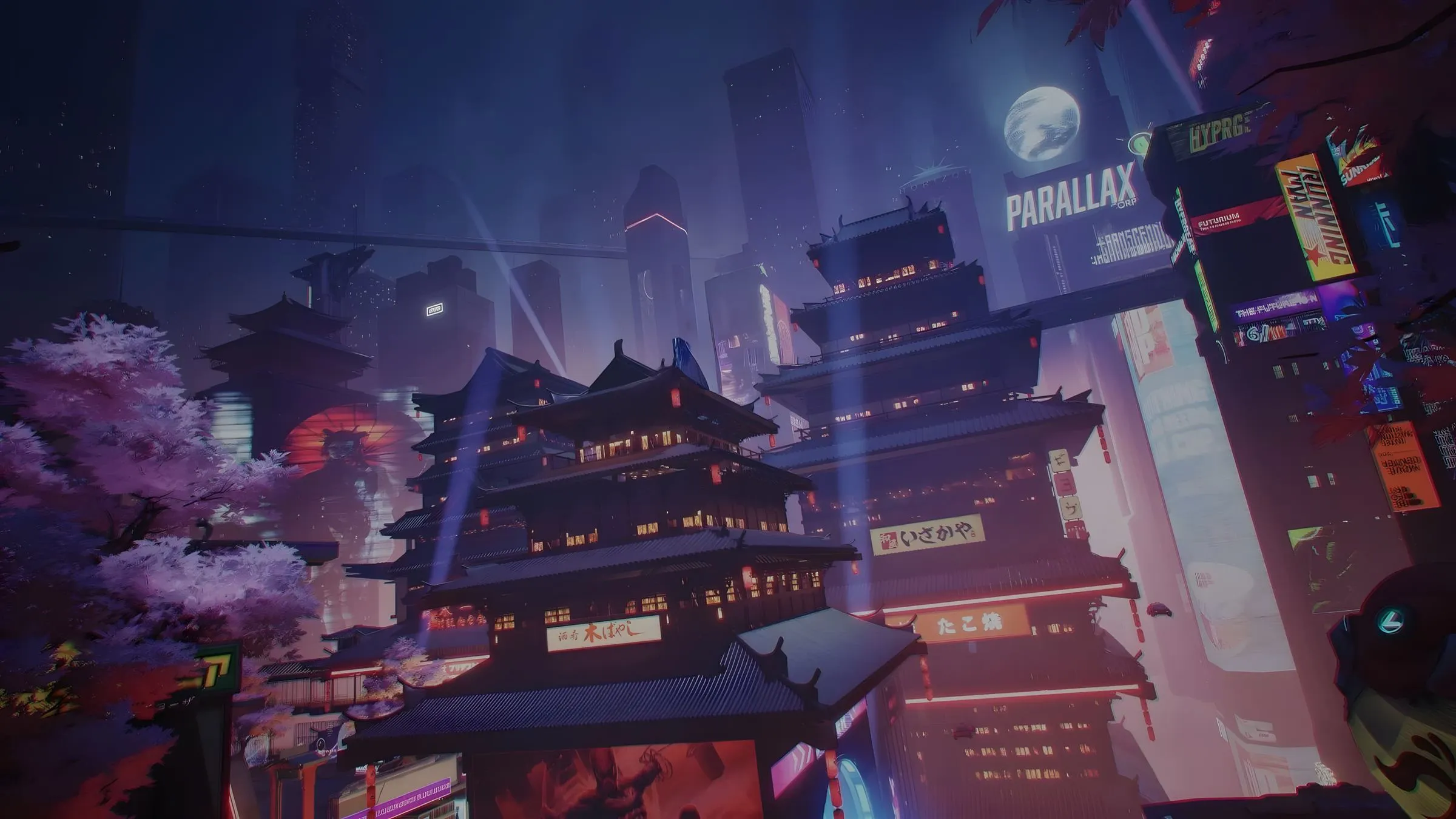
Marvel Rivals Version 20260807 Balance Post
Latest news
Join the community
Detected Hardware
Mod Manager
Mods you installed yourself, read straight from the game's ~mods folder. Turning one off unloads it without deleting anything.
1 file · 1.4 MB
1 file · 962 KB
Installed by RIVALSFPS.GG · 31 MB
Quality Settings
Trade texture quality for FPS through your NVIDIA driver. These tweaks affect Marvel Rivals only — no game files are touched, and nothing else on your PC changes.
Active Quality Preset
Presets from RIVALSFPS.GG apply when you start the game with the Launch button — your driver profile is changed for that session only and restored when the game closes.
Ultra Potato
Every last frame — maximum blur, filtering trimmed to the bone, clocks pinned high.
Known visual issue: on some maps, floors can turn invisible — cosmetic, you still stand on them.
Preset Library
No in-game warning — presets change NVIDIA driver settings only, never game files.
Every last frame — maximum blur, filtering trimmed to the bone, clocks pinned high.
Known visual issue: on some maps, floors can turn invisible — cosmetic, you still stand on them.
Heavy blur with lighter filtering — the classic potato look, clocks pinned high.
Known visual issue: on some maps, a few floors sit slightly raised — you can walk into them.
A light touch — slightly softened textures, every floor intact, clocks pinned high.
What to expect
In our benchmarks the gain was moderate — around +3% FPS on a high-end card with Ultra Potato. Cards with less VRAM and lower-end GPUs typically benefit more, and most of it shows up in 1% lows (less stutter) rather than headline FPS.
Harsher tiers blur more — broken-looking surfaces up close are the preset working, not a bug. On a few maps Ultra Potato turns some floors invisible and Potato leaves a few slightly raised; Standard keeps every map intact. Driver values are restored when the game closes; launching any other way runs stock.
Graphic Pack Settings
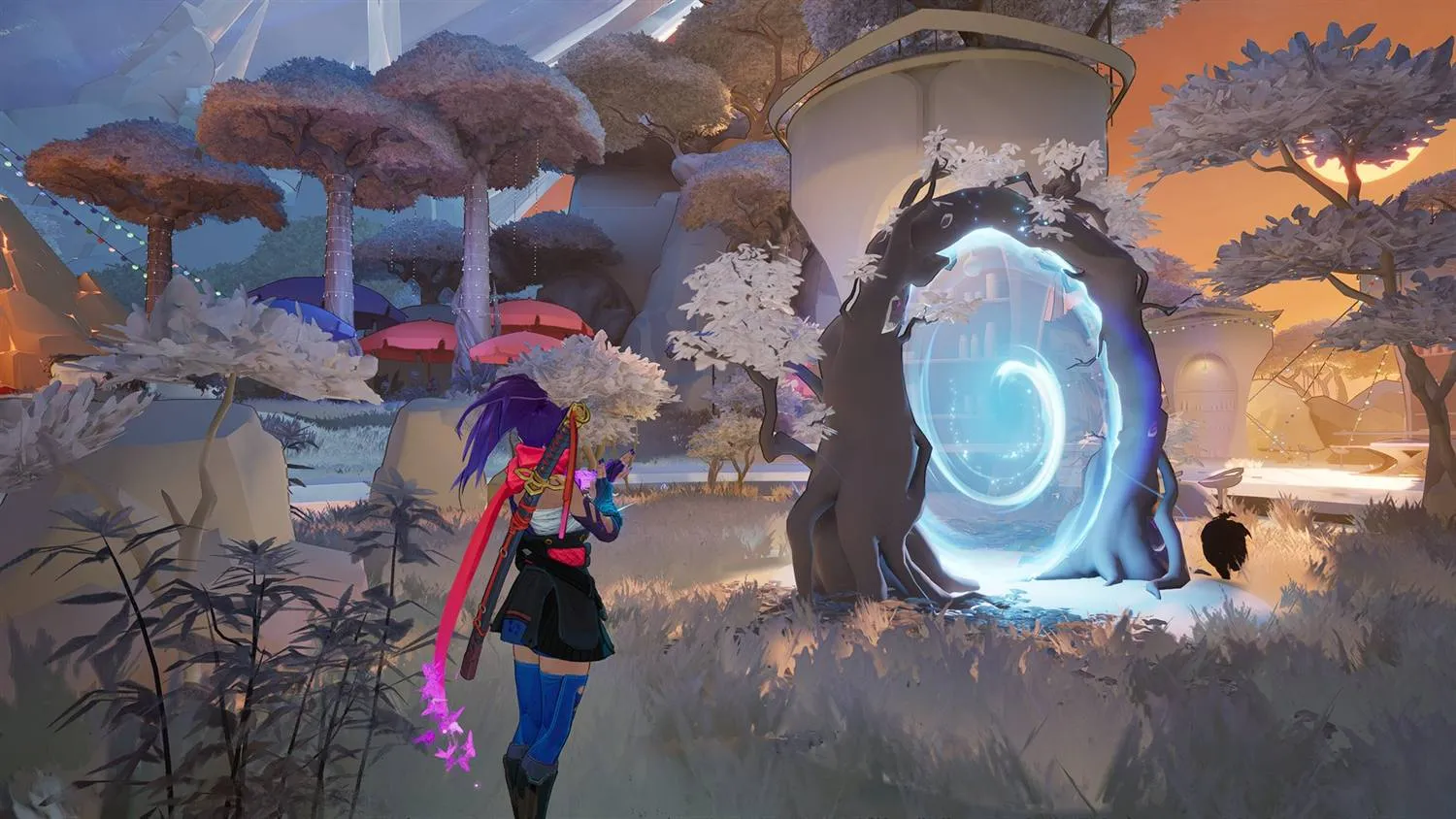
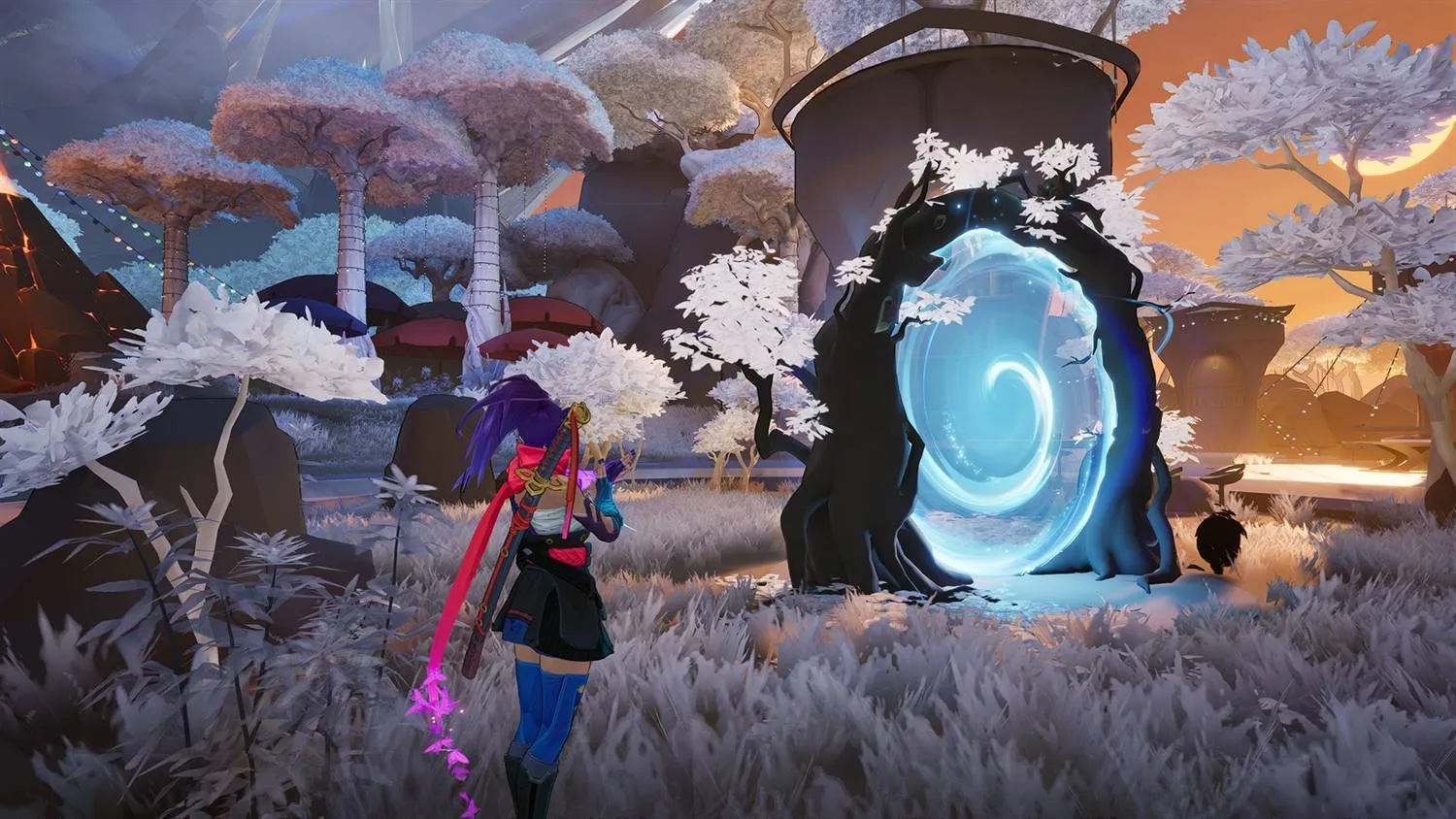
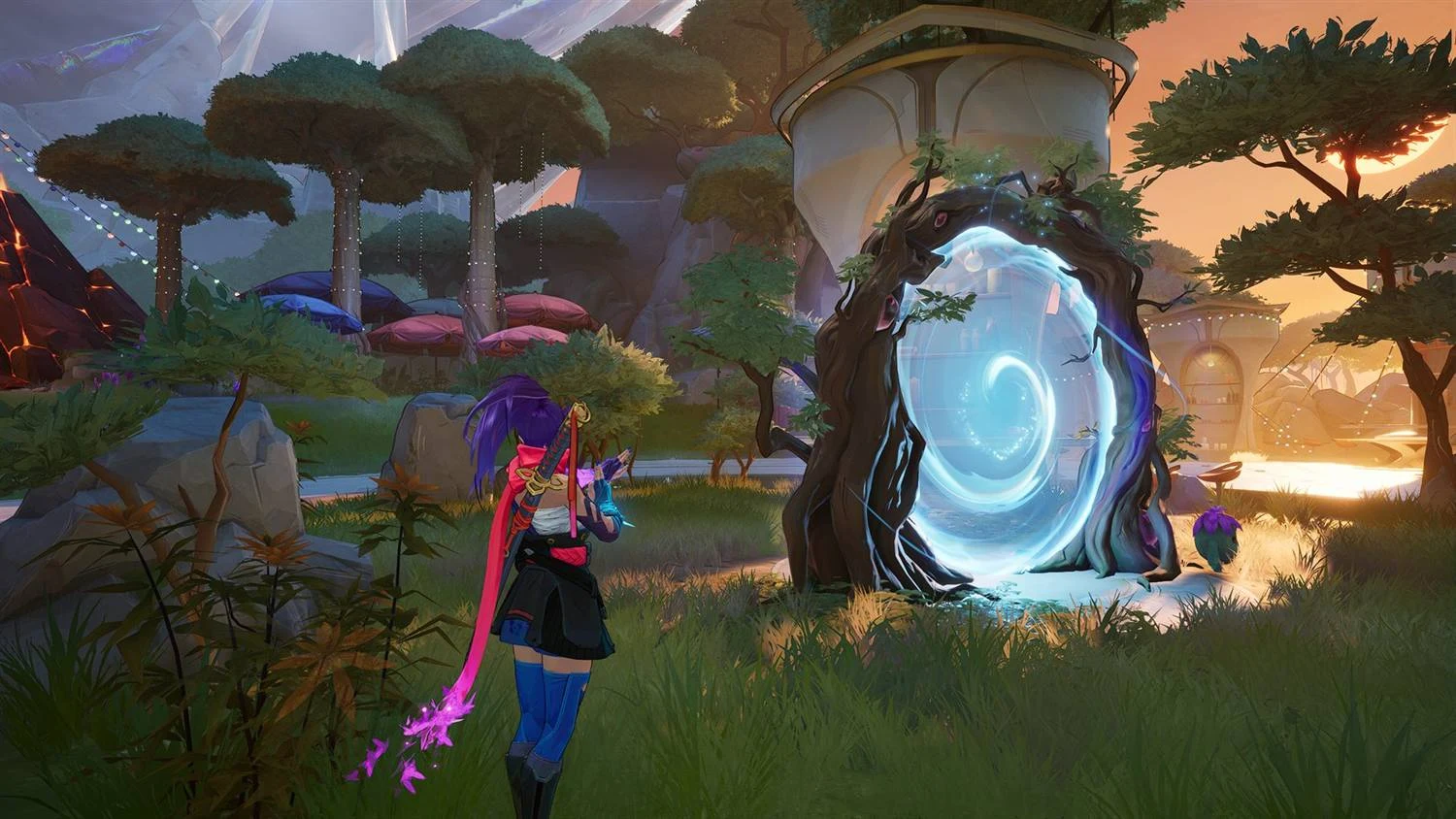
What's a Graphic Pack? Simpler, faster map and environment textures — an FPS boost that replaces what the game draws.Pick a preset or tune each layer. Layers apply on top of your graphic pack — for the textures they cover, the layer wins.
Active Graphic Pack
Packs from RIVALSFPS.GG apply when you start the game with the Launch button. Packs you imported yourself always apply.
Amethyst Dawn
Amethyst & cream textures, made by us
v1.0.0
Graphic Pack Library
No in-game warning.
Amethyst & cream textures, made by us
Black & crimson textures, made by us
Royal blue & gold textures, made by us
Rose gold textures, made by us
Graphic Pack Settings
What's a Graphic Pack? Simpler, faster map and environment textures — an FPS boost that replaces what the game draws.Pick a preset or tune each layer. Layers apply on top of your graphic pack — for the textures they cover, the layer wins.
Active Graphic Pack
Packs from RIVALSFPS.GG apply when you start the game with the Launch button. Packs you imported yourself always apply.
Amethyst Dawn
Amethyst & cream textures, made by us
v1.0.0
Graphic Pack Library
No in-game warning.
Amethyst & cream textures, made by us
Black & crimson textures, made by us
Royal blue & gold textures, made by us
Rose gold textures, made by us
Every texture keeps its own brightness and takes the color at that point on the ramp — the darkest surfaces get the first stop, the brightest the last. Two identical stops give a flat, single-color look.
Skin Manager
Custom character skins. Client-side visuals only — other players see the default skin.
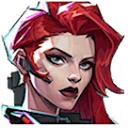 Black Widow 1/2 active
 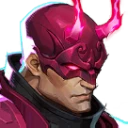 Daredevil 0/2 active
  Invisible Woman 0/1 active
 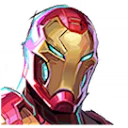 Iron Man 0/1 active
 Sounds
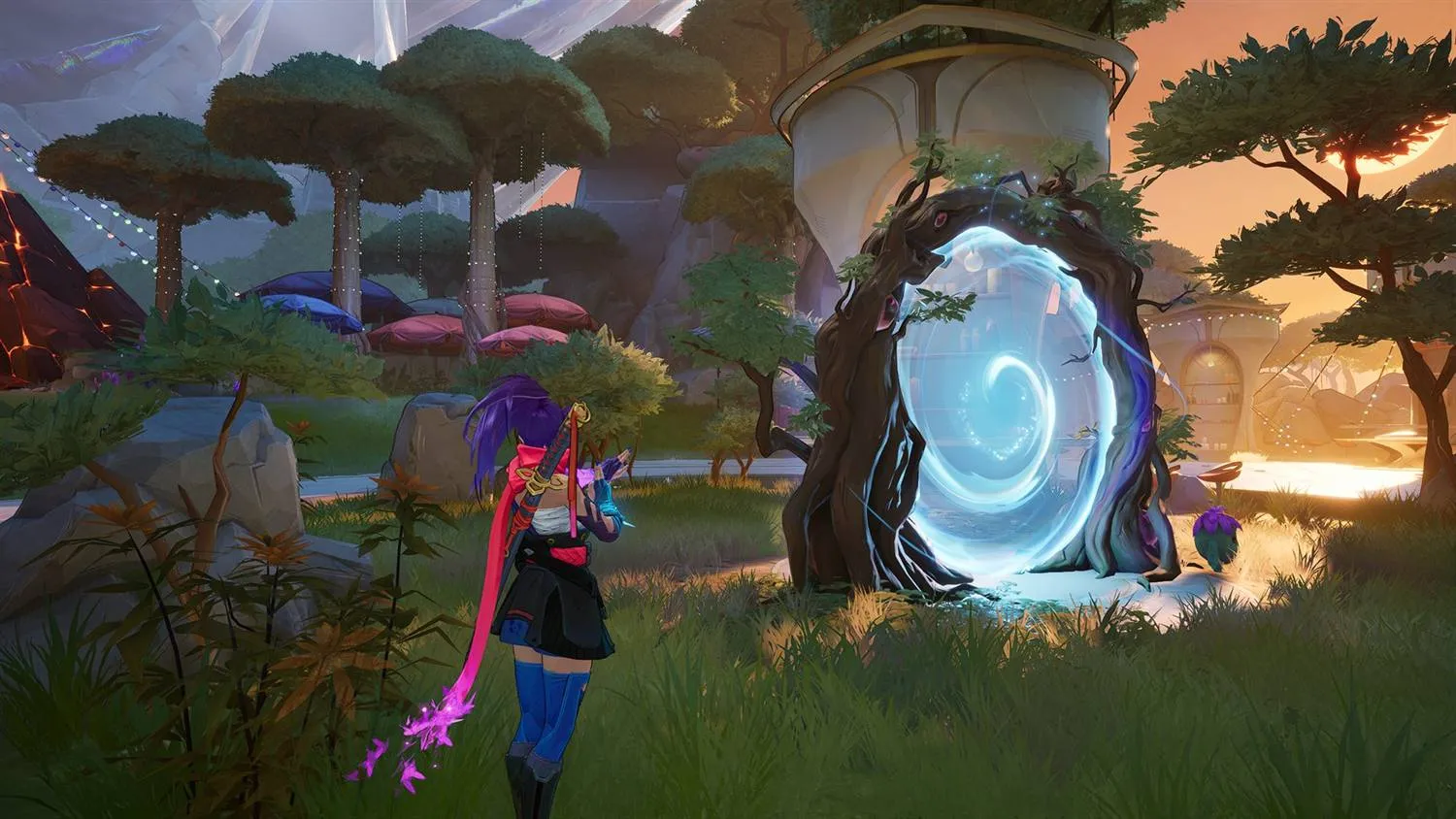
Replace the game's hit, kill and kill-feed sounds with your own audio, then build them into a mod.
No in-game warning.
Adjustments
Windows Optimizations
OS-level optimizations applied outside the game — registry and system settings that cut input and network latency.
Network
Disables Nagle's algorithm so packets send immediately instead of batching — steadier ping in hitreg-critical moments.
Lifts Windows' background network-throttling cap so game traffic is never rate-limited behind other apps.
Stops Windows Update seeding your upload to other PCs — no more update peer-sharing eating your uplink mid-match.
Stops Windows powering down your network adapter to save energy and pins Wi-Fi to maximum performance — steadier ping, especially on battery.
System
Turns on Windows Game Mode so the OS prioritizes Marvel Rivals and holds back driver installs and update nags mid-match.
Stops Windows' silent background recording from holding a rolling video buffer and sharing your GPU encoder while you play.
GPU
Lets the GPU schedule its own work instead of leaning on the CPU — can trim a little render latency on supported cards.
Tells Windows to run Marvel Rivals on your dedicated GPU — the fix for laptops that quietly render on the integrated chip.
Sets your monitor to its highest refresh rate — the single biggest smoothness win if a panel is stuck at 60Hz.
Power
Unlocks the hidden Ultimate Performance plan so the CPU stops parking cores and dropping clocks mid-fight.
Stops Windows efficiency-throttling background apps, so Discord and your capture software keep full speed while you play — costs battery on laptops.
Input
Disables Enhance Pointer Precision so cursor movement maps 1:1 to your mouse — no hidden acceleration on your aim.
Stops the Sticky, Filter and Toggle Keys hotkey popups stealing focus mid-match — any feature you actually use is left untouched.
Unbinds the controller's Xbox button from popping the Game Bar overlay mid-match — Win+G and capture still work.
Every value is backed up before it's changed — Revert restores the Windows default. Tweaks marked Requires Restart take effect after a reboot.